Appearance
Create a new cluster
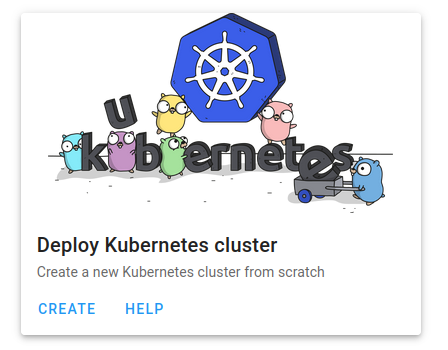
- In the dashboard click on the
Createbutton inside theDeploy Kubernetes clustertile.
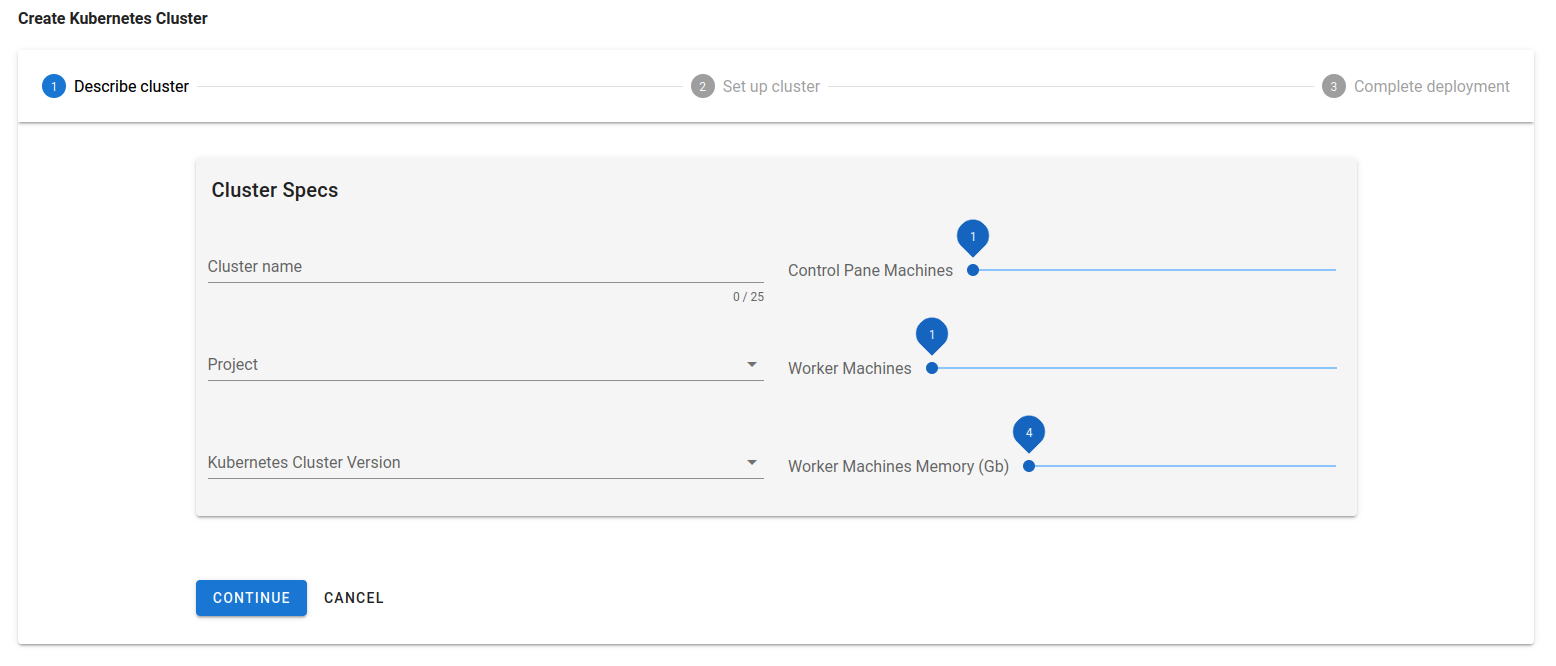
- Fill in the form in order to start the cluster provisioning. The project has to be a Fed4Fire project. You can share this project with other people so they get access to the same cluster.
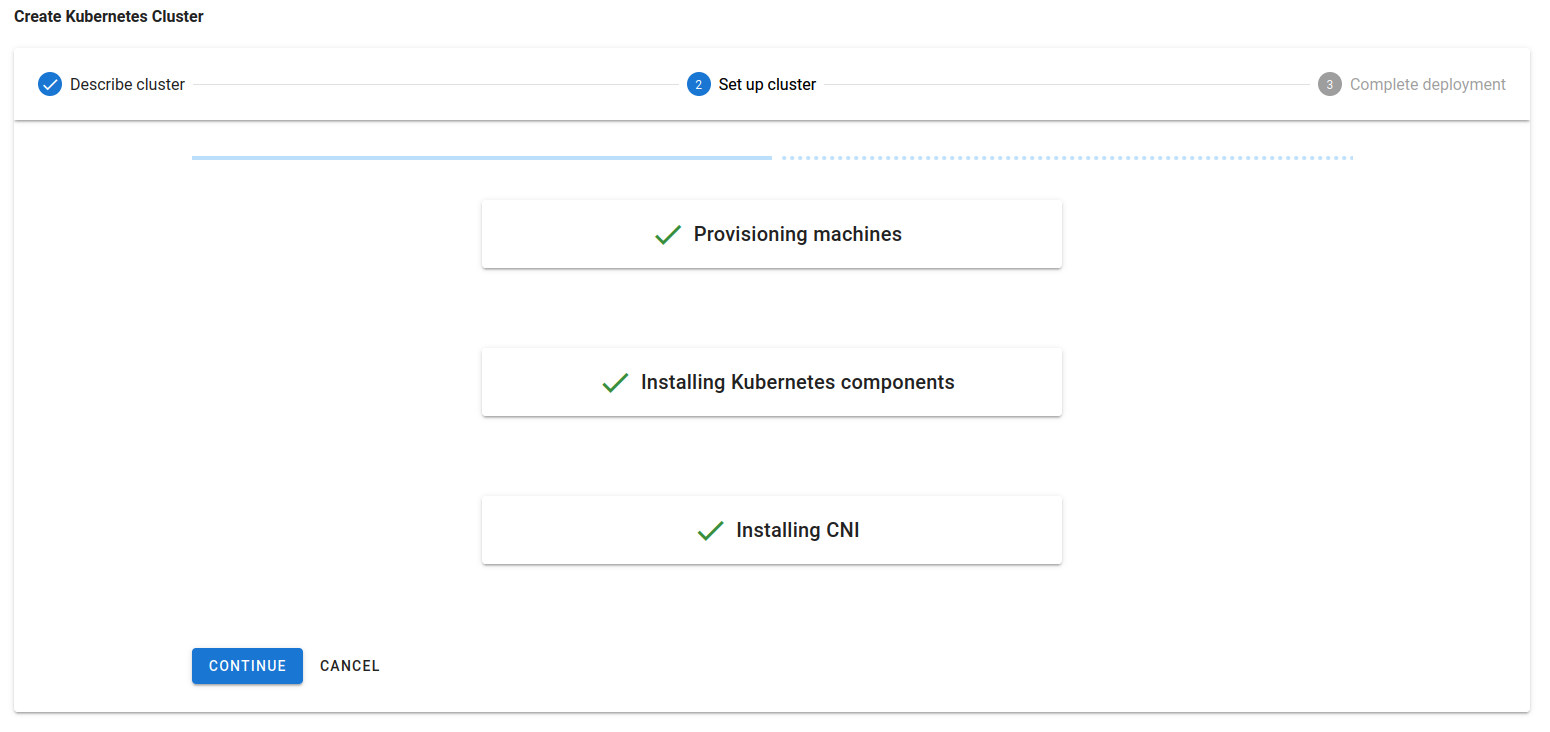
- Provisioning a cluster involves three major steps. This process can take up to 10 minutes. When all steps are done you click through to the last step.
- The cluster is now ready for use. Here you can download the kube config file and the openvpn configuration. The kube config file can always be downloaded from the Kubernetes cluster details page. The VPN configuration is created per user (not per cluster!). You can also find the VPN configuration by navigating to the dashboard and selecting the Networking tile.