Appearance
Delete cluster
This is a destructive action, all data persisted on the cluster will be lost.
- From the dashboard click on
Statusin theManage Kubernetes clustertile. - Select the cluster you wish to delete by clicking
Details.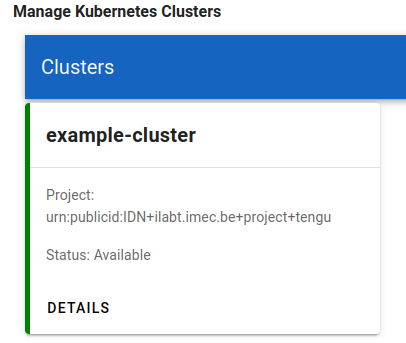
- Navigate to the
Deletetab and click the redDelete clusterbutton.
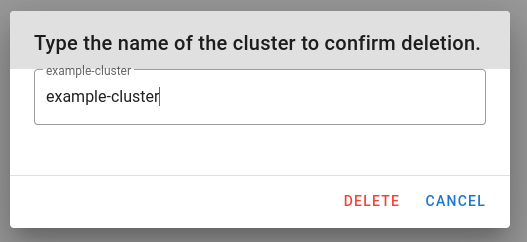
- Confirm the deletion by typing the cluster name and clicking
Delete.